Meeting Summary from Audio
Save time on meeting minutes without compromising quality. Vocalog provides trustworthy AI summaries that capture all key points for formal and administrative meetings where proper documentation is required.
Record, transcribe, and summarize in one platform

Pick template by topic
Match your organization's format
Free for your first 7 days
Free up time for higher-priority work by letting AI summarize your meetings.
Automatic summaries by meeting type


Choose from ready-to-use templates for team status meetings, executive meetings, project steering meetings, research interviews, government agency meetings, shareholder meetings, and more.
Create your own meeting summary template
Define exactly what you want in the summary, including the meeting title, paragraphs, and bullet points, then save it as your own reusable template.
Use AI to build your organization's summary template.
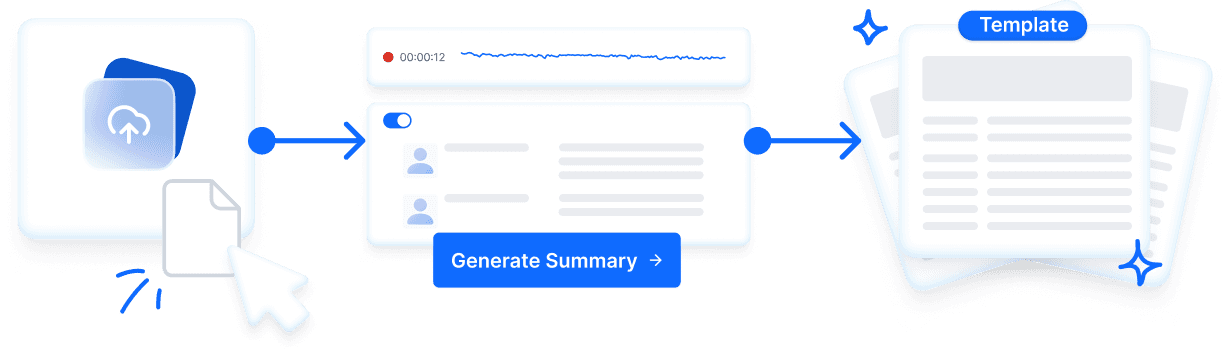
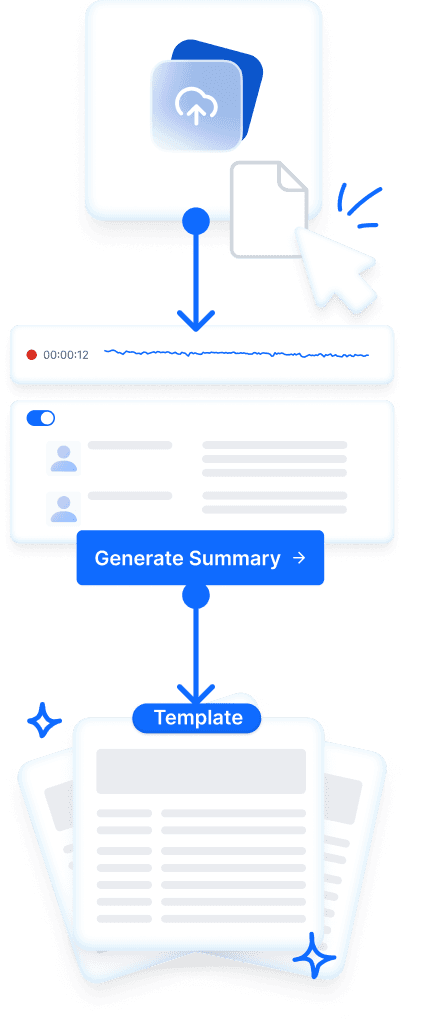
Upload your meeting report template. Supported file types: .pdf, .txt, .png, .jpeg, .jpg, and .webp. AI generates the summary template and saves it for future meetings.
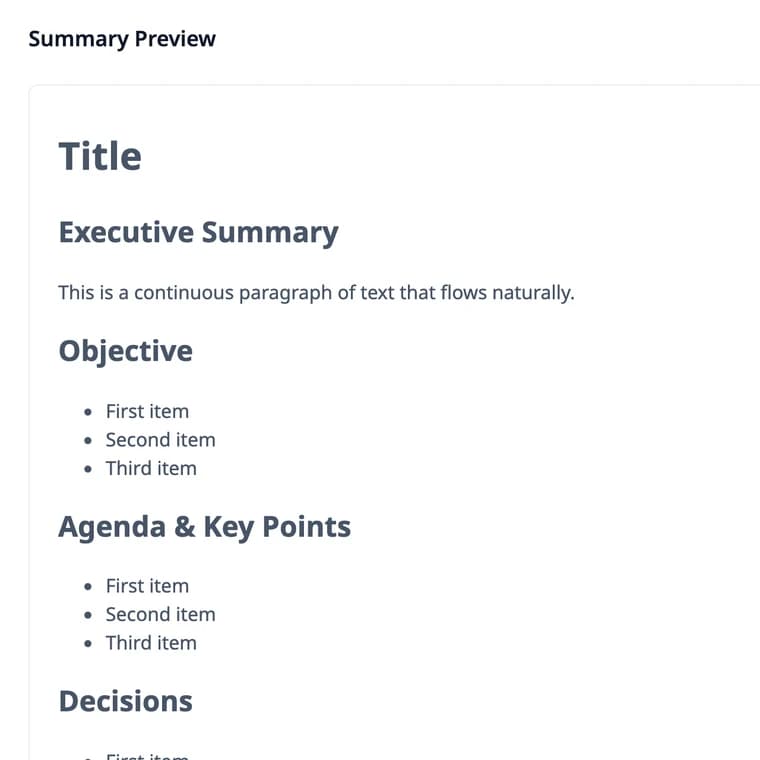
Meeting Summary
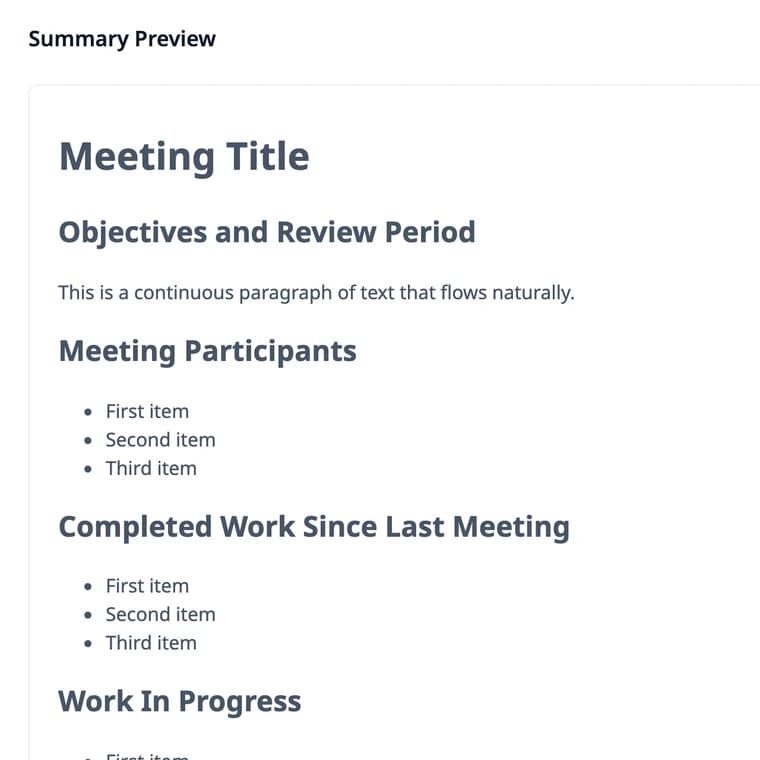
Team Status Meeting
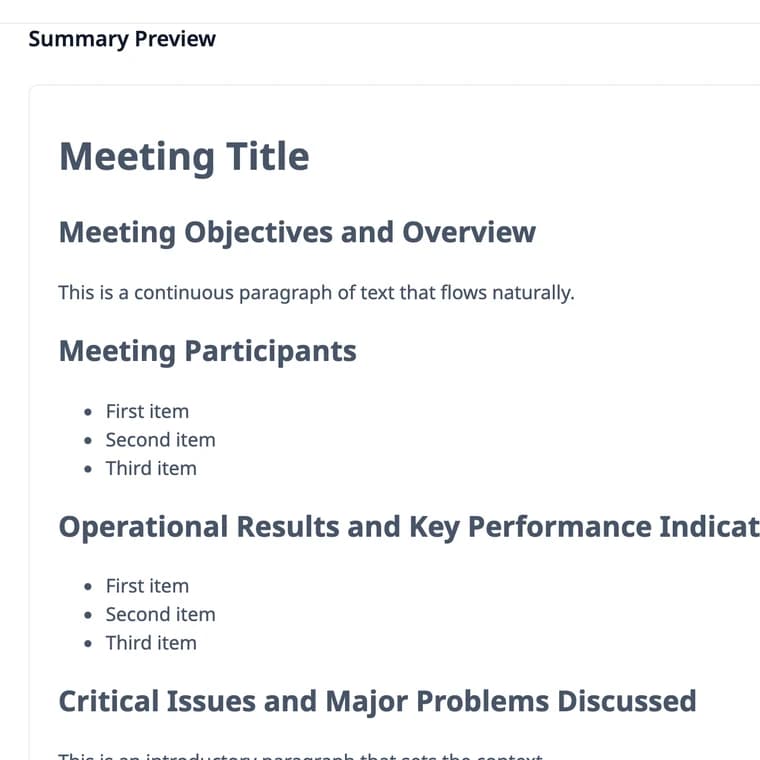
Executive Meeting
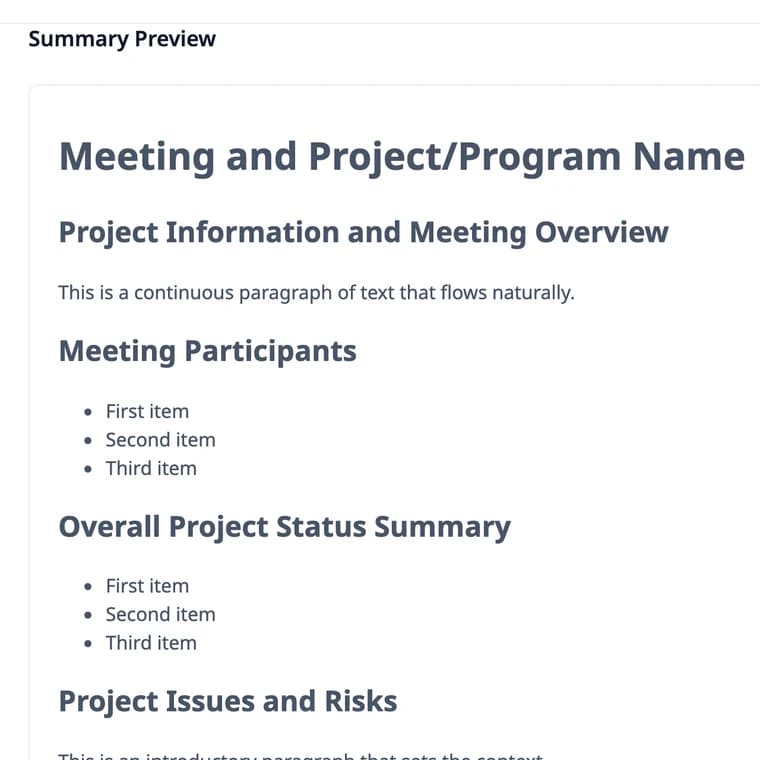
Project Steering Meeting
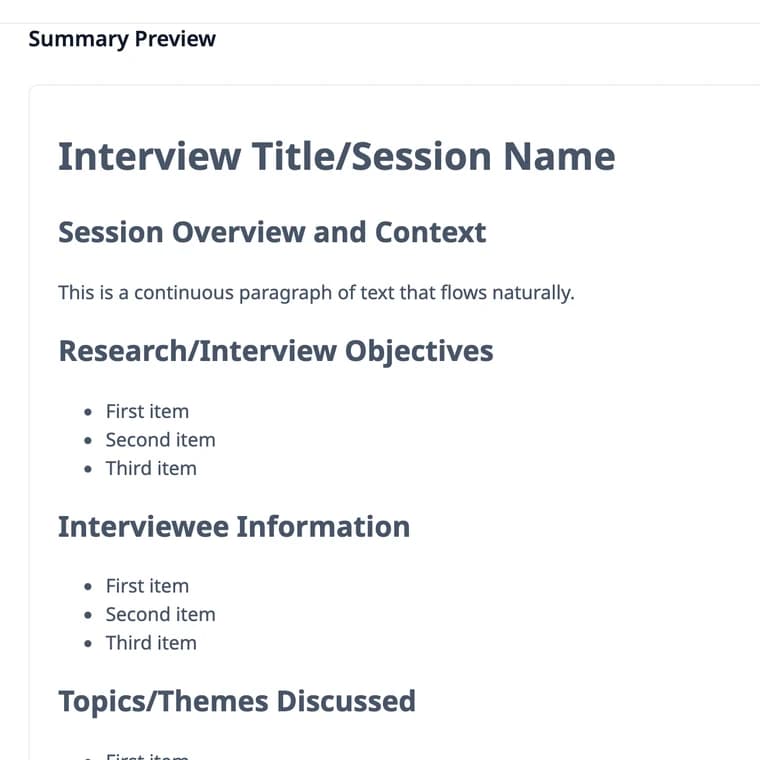
Research Interview
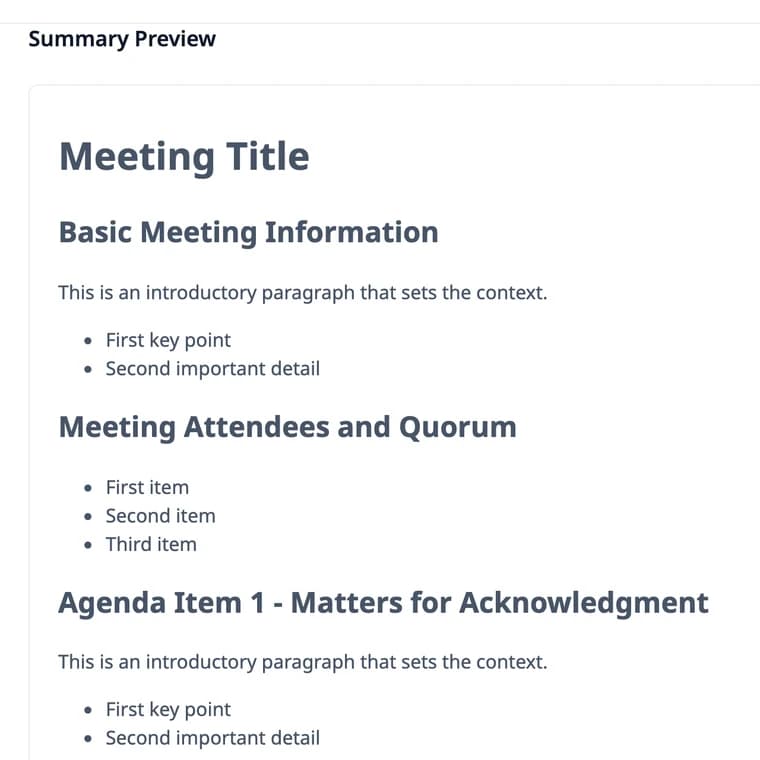
Government Agency Meeting
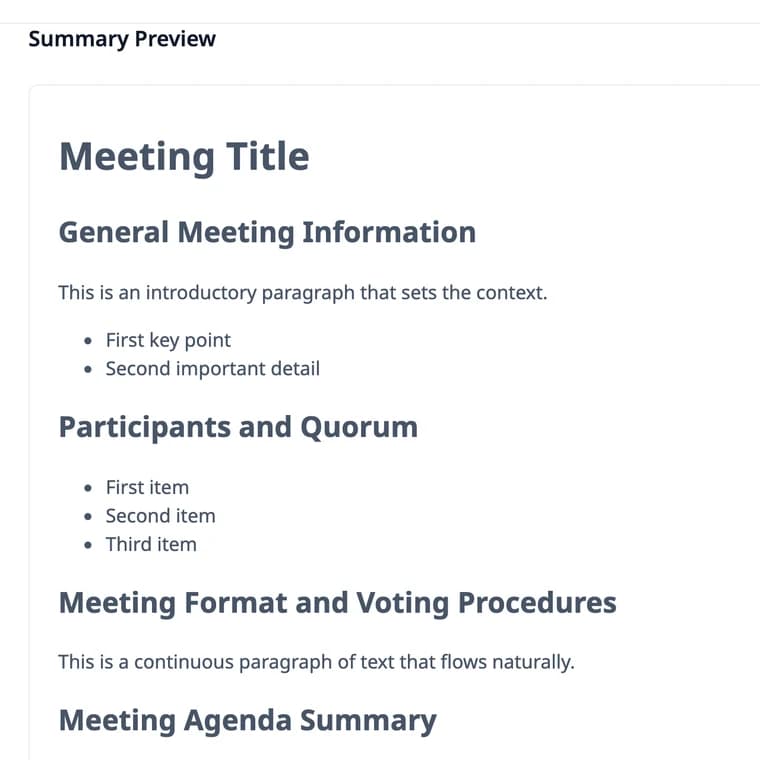
Shareholder Meeting
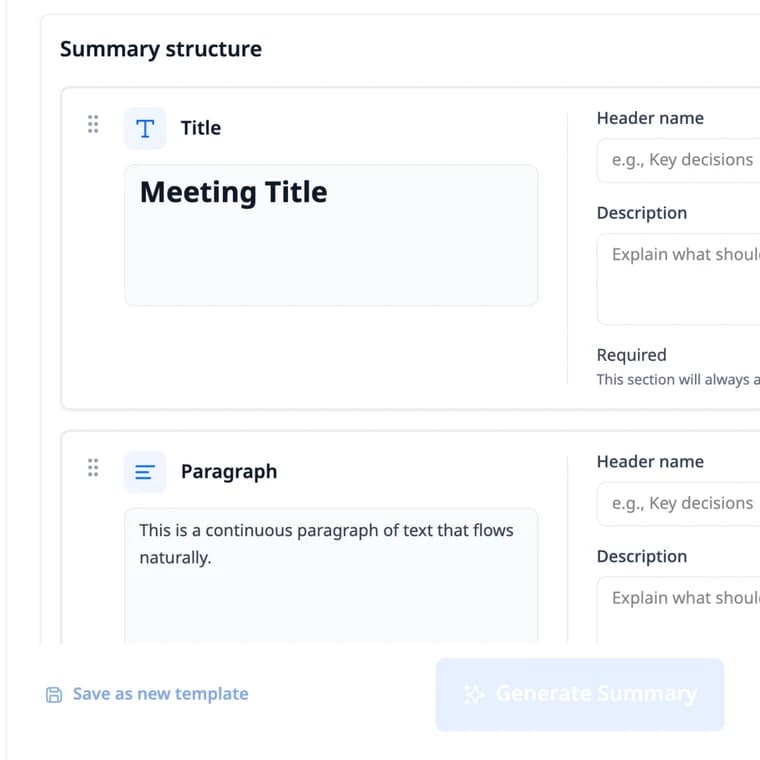
Custom Template
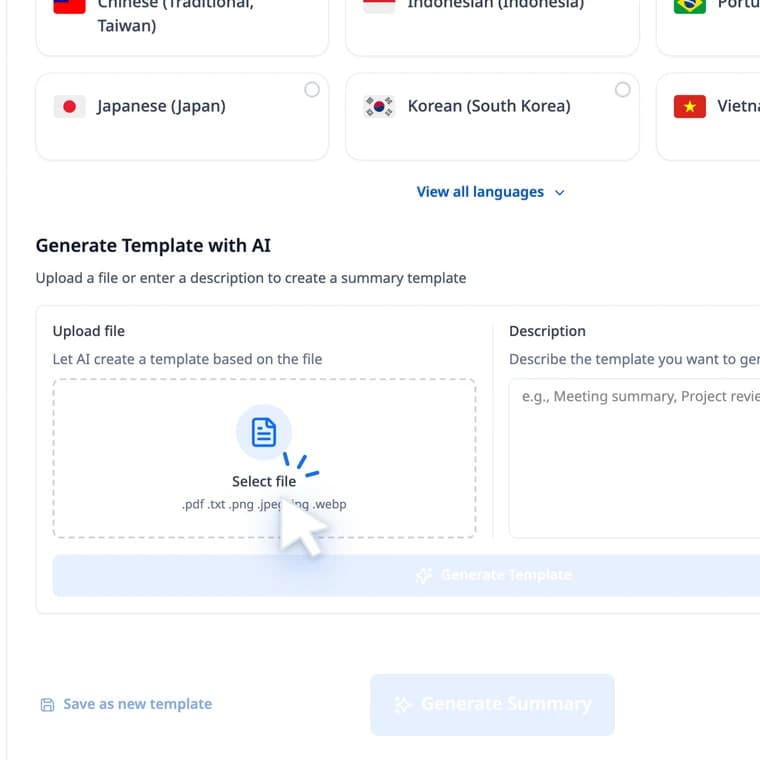
Generate Template with AI
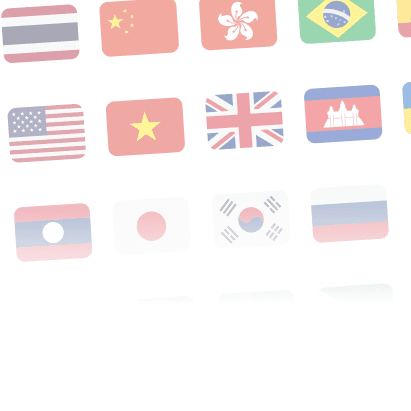
Summaries in 21 languages
Hold the meeting in one language and get the report in another: choose from 21 summary languages.
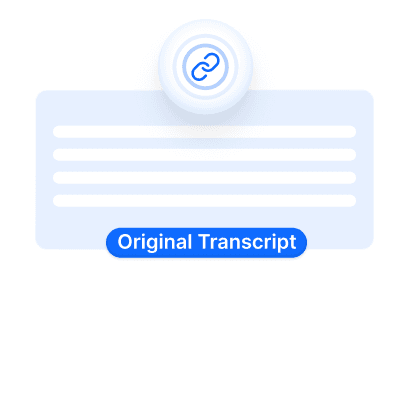
Review with the original content
Review faster with confidence. Vocalog links each summary point to the original transcript, so you can verify and edit details immediately.
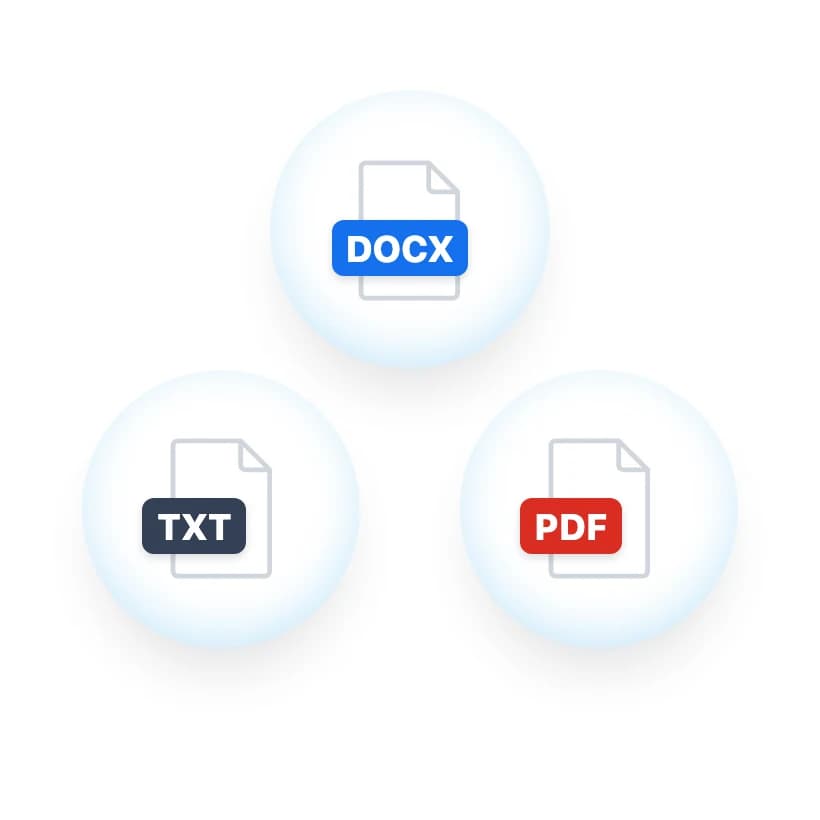
Download summary files
Copy the summary or download it as .docx, .pdf or .txt and keep working.
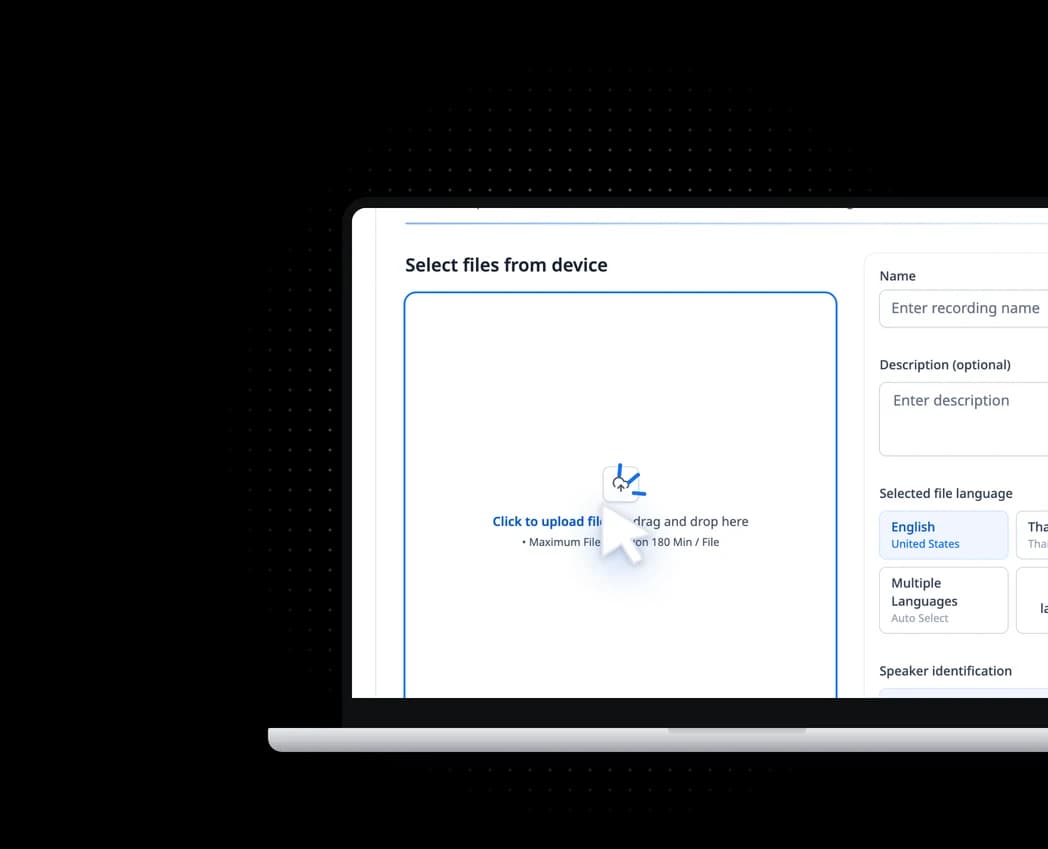
Steps to summarize
FAQ
How much does the summary feature cost?
Summaries cost nothing extra. They're free for the first 7 days after you verify your email, then included with any package. See https://vocalog.visai.ai/pricing
How long can a file be for a summary?
There's no length limit. Any transcribed file can be summarized: uploads, links and live recordings. Long files are summarized section by section and combined into one summary.
Which languages can the summary be written in?
21 languages, whatever language the file is in: Thai, Lao, English (US, UK), Chinese (Simplified, Traditional), Japanese, Korean, Vietnamese, Filipino, Indonesian, Malay, Khmer, Hindi, Portuguese (Brazil), Uzbek, Spanish, Russian, German, French and Arabic.
Can I edit the summary template to match my organization's format?
Yes. You can create a custom summary template or let AI generate one from your organization's document. All created templates are editable. You can adjust wording to match official requirements, add or remove headings and subheadings, and edit paragraphs and bullet points. You can then save the updated template for future meeting summaries.
Can I keep my summaries in Vocalog, and for how long?
The summary is saved with the transcript, so the latest one is there whenever you open the file, for as long as the file is kept. A new summary replaces the old one, so download it as .docx, .pdf or .txt to keep several versions.
Still have questions?
Contact us if you haven’t found the answer you’re looking for.