Transcribe and Separate Speakers
Find key messages by speaker name in seconds, so you can quickly summarize key points, review content, and prepare meeting reports more efficiently.
Separate speakers in both audio and video files
Automatically separate speakers in recordings with no length limit
Identifies speakers using saved sound profiles
Available in all packages
Separate speakers in your audio or video files
Upload an audio or video file up to 120 minutes.

Separate speakers in YouTube or TikTok videos
Paste a YouTube or TikTok video link up to 120 minutes long.
Try transcription
Find the right words faster, from every speaker.

Automatic speaker separation
Suitable for:
Audio files with fewer than 5 speakers who are not transcribed frequently.
How it works:
The AI automatically separates speakers' voices in your audio or video and labels them as Speaker 00, Speaker 01, Speaker 02, and so on.
Identify speaker names from sound profiles
Suitable for:
Frequently transcribed speakers such as your own voice, executives, or meeting hosts.
How it works:
Upload at least 5 seconds of sample audio and give it a name. When you upload a new audio or video file, select the saved sound profiles and the AI automatically labels each speaker by name.
Name editing tools
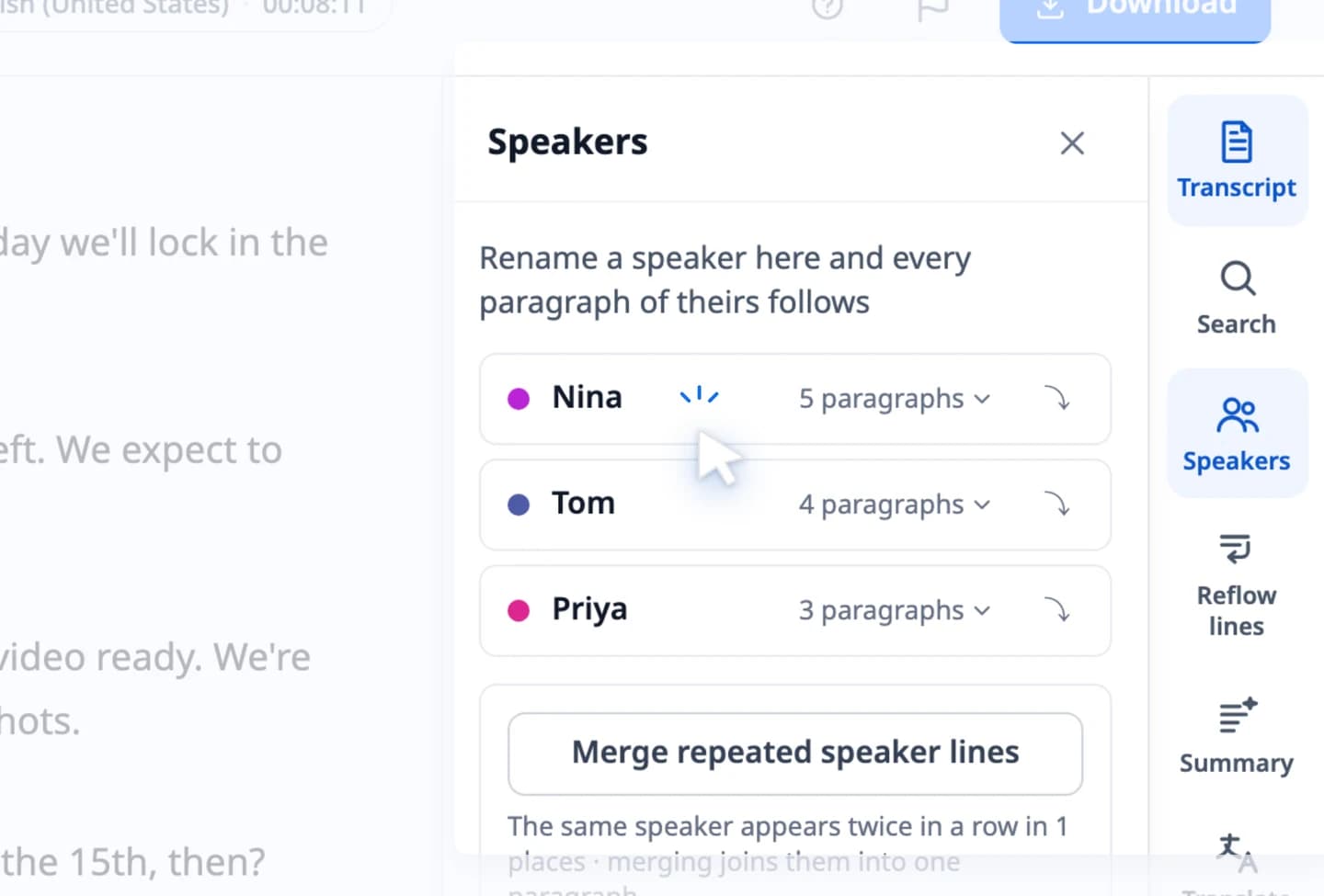
Once your transcript is ready, you can review and edit speaker names, rename them, mark them as anonymous, or update every instance of a name at once.
Transcript download tool
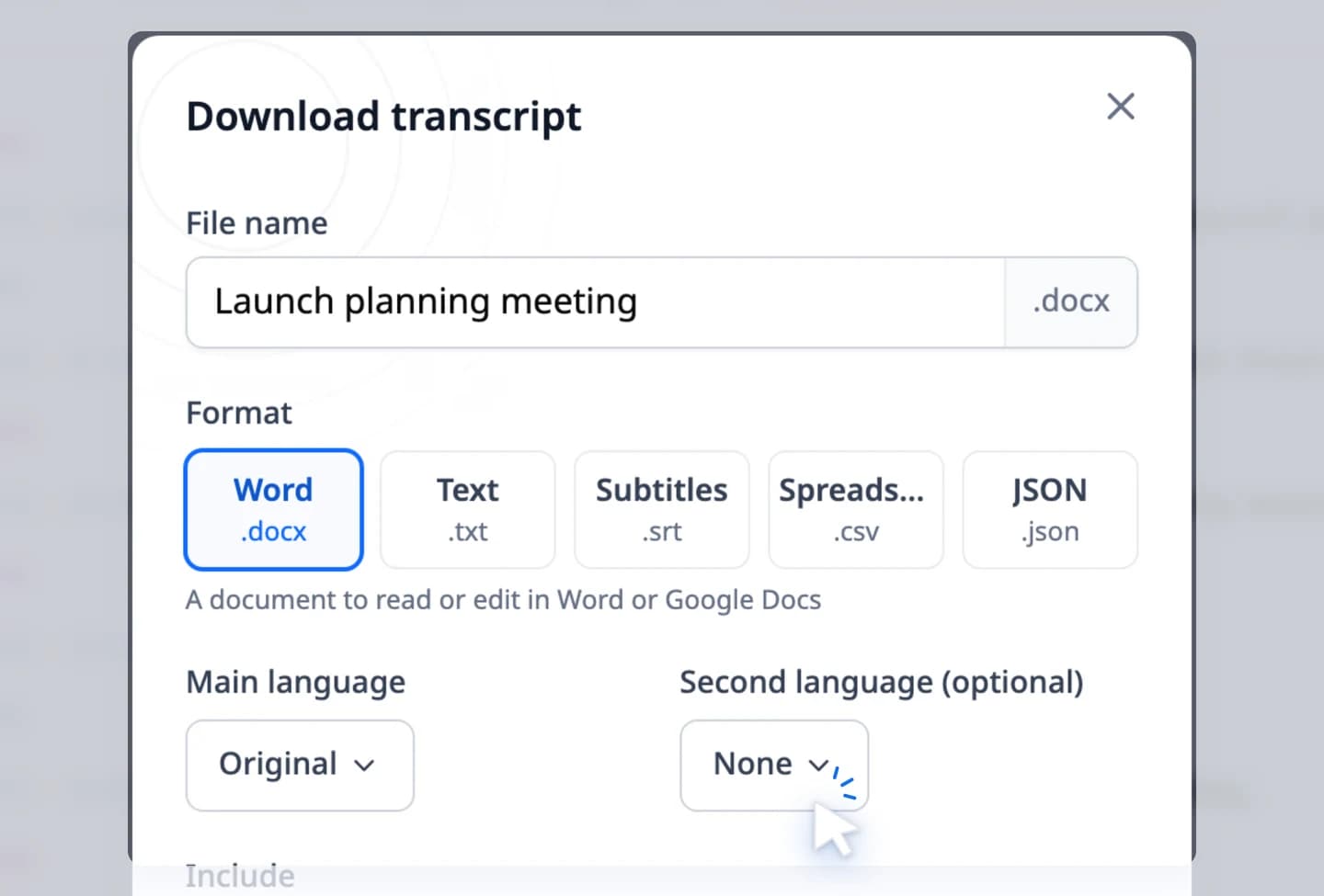
Download transcripts as .docx, .txt, .srt, .csv or .json, and choose whether the document shows speaker names and timestamps.
Steps to separate speakers
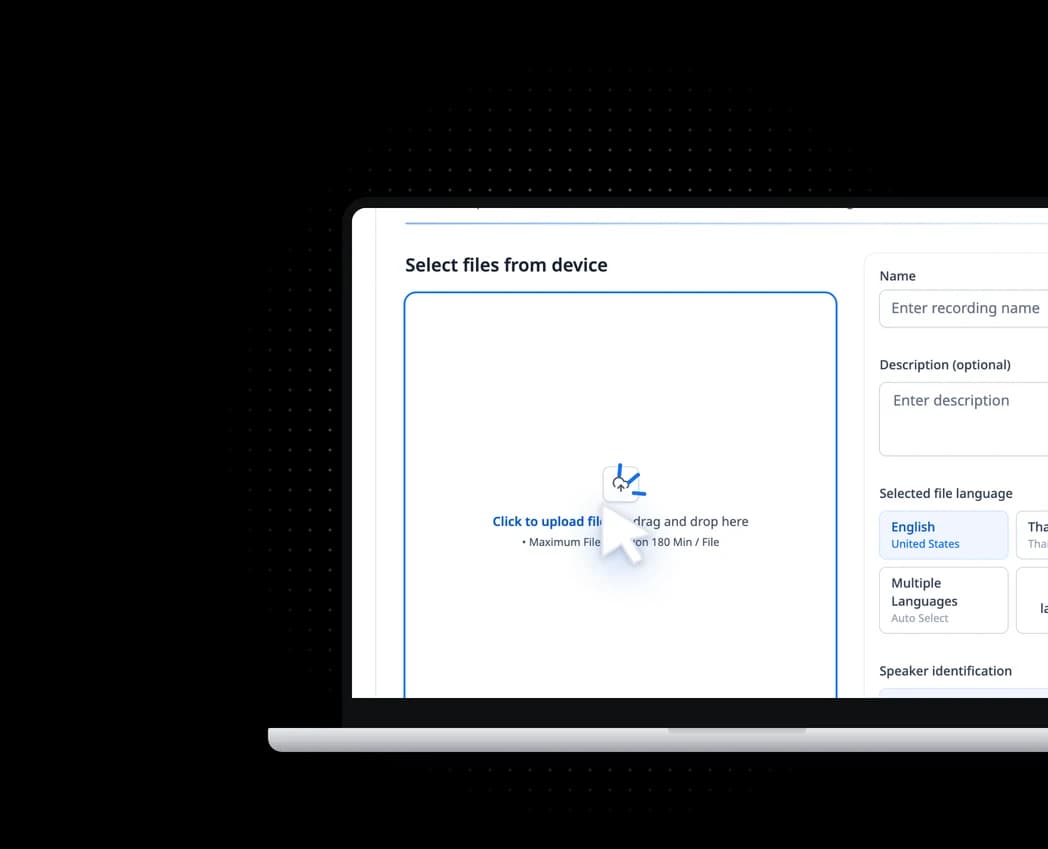
Start on your own, in minutes


FAQ
How much does speaker separation cost?
Speaker separation costs nothing extra, on the free plan and every package. Free users transcribe 2 files a day, the first 10 minutes of each; packages transcribe whole files against the package's minutes. See https://vocalog.visai.ai/pricing
Is there a duration limit for automatic speaker separation?
No extra limit: every file you can transcribe gets its speakers separated. File length depends on your plan; on the free plan, uploads can be up to 120 minutes.
How many languages can it transcribe?
99 languages, such as Thai, English, Chinese, Japanese, Korean and Vietnamese, including files that mix languages. Pick the spoken language yourself or let Vocalog detect it.
How many speakers can be identified per file using sound profiles?
Up to 32 voice profiles per file. Choose the people who speak in that file and Vocalog puts each name on that person's lines.
What kind of sample does a voice profile need?
An audio or video file of just that person speaking, at least 5 seconds long. No need to cut it: if it's longer, you pick the part to use.
How accurate is speaker identification by sound profile?
In typical use, the AI identifies speakers from sound profiles accurately enough for everyday business recordings. However, factors such as file length, audio quality, overlapping speech, or a large number of speakers can affect accuracy. For the best results, we recommend reviewing the transcript and using the name editing tool to adjust speaker names as needed.
Still have questions?
Contact us if you haven’t found the answer you’re looking for.